Welcome to this HTML meta tags and SEO basics tutorial. Meta tags don’t show up visibly on your page, but they control how search engines and browsers understand and display it.
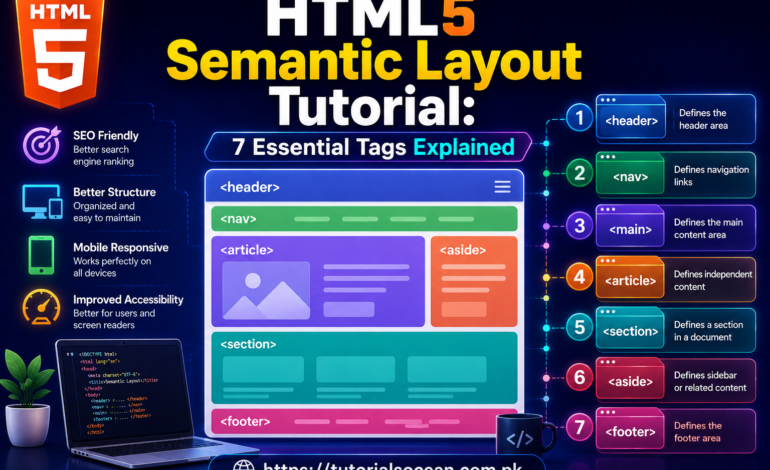
This is Tutorial 7 of 8 in our complete HTML series on Tutorials Ocean’s HTML category. If you missed it, check out Tutorial 6: HTML5 Semantic Layout first.
What Are Meta Tags?
Meta tags live inside the <head> section of your page. They never appear on the visible page itself, but browsers, search engines, and social media platforms all read them.
Any solid HTML meta tags and SEO basics tutorial starts here, because these few lines affect how your page ranks and how it looks when shared online.
Essential Meta Tags
<meta charset="UTF-8">
<meta name="viewport" content="width=device-width, initial-scale=1.0">
<meta name="description" content="Learn HTML step by step with practical examples.">
<meta name="author" content="Tutorials Ocean">
<title>HTML Tutorial - Tutorials Ocean</title>| Tag | Purpose |
|---|---|
| charset | Defines character encoding so text renders correctly |
| viewport | Makes the page responsive on mobile devices |
| description | The snippet text Google often shows under your page title in search results |
| author | Identifies who wrote the page |
| title | Not technically a meta tag, but works alongside them — shown on the browser tab and search results |
The Favicon
That small icon you see next to a page title in a browser tab is called a favicon. Adding one is simple.
<link rel="icon" type="image/png" href="favicon.png">Every professional site has a favicon — it’s a small detail, but it makes a page feel complete and trustworthy.
Global HTML Attributes
Some attributes can be used on almost any HTML tag, not just specific ones. These are worth knowing well in any HTML meta tags and SEO basics tutorial.
<p id="intro">Unique identifier for this element</p>
<p class="highlight">Used for CSS styling and JavaScript targeting</p>
<p title="Extra info shown on hover">Hover over me</p>
<p lang="ur">Sets the language of this specific content</p>
<p hidden>This element won't be shown at all</p>| Attribute | Purpose |
|---|---|
| id | Unique identifier, used once per page, often targeted by CSS/JS |
| class | Reusable identifier, can be applied to multiple elements |
| title | Shows a tooltip when the user hovers over the element |
| lang | Declares the language of the content |
| hidden | Hides the element from the page entirely |
For the complete official reference, check the MDN documentation on global attributes.
Open Graph Tags for Social Sharing
When you share a link on Facebook or LinkedIn and it shows a nice title, description, and image — that’s powered by Open Graph meta tags.
<meta property="og:title" content="HTML Tutorial for Beginners">
<meta property="og:description" content="Learn HTML step by step.">
<meta property="og:image" content="cover-image.png">
<meta property="og:url" content="https://tutorialsocean.com.pk">
Without these tags, social platforms usually guess what to display, and the result often looks broken or unappealing. This is a key part of any modern HTML meta tags and SEO basics tutorial.
Why This Matters for SEO
None of these tags guarantee a top Google ranking on their own. But together, they help search engines correctly index your page, help your links look professional when shared, and help your site load correctly on every device.
Practice Exercise
Open your index.html file from Tutorial 6 and update the <head> section.
Requirements:
- Add a proper meta description summarizing your page in one sentence
- Add a meta author tag with your name
- Add a favicon link (any small image you like)
- Add an id attribute to your header section and a class attribute to your section tags
- Add all 4 basic Open Graph tags (og:title, og:description, og:image, og:url)
Bonus challenge: Add a lang=”ur” attribute to one paragraph and write a short sentence in Urdu inside it.
Save your file, refresh your browser, and check your browser tab for the favicon and title.
What’s Next?
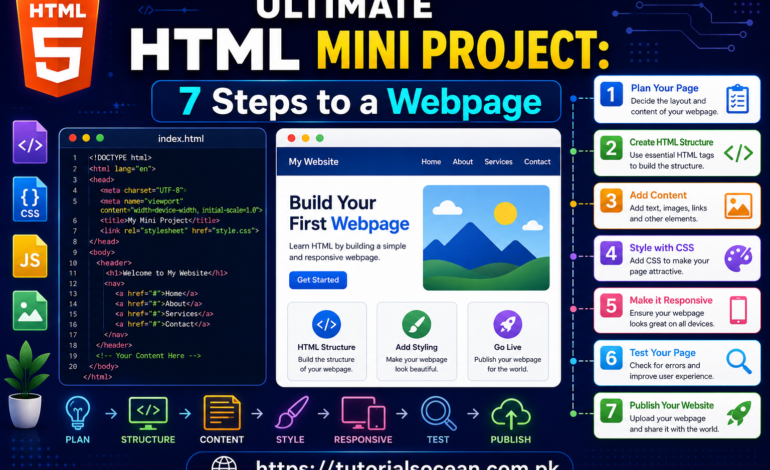
This completes Tutorial 7 of our HTML meta tags and SEO basics tutorial series. In Tutorial 8, our final tutorial, we’ll combine everything into one complete mini project — a full responsive webpage built from scratch.
This HTML meta tags and SEO basics tutorial is part of the complete HTML series on Tutorials Ocean — practical, beginner-friendly web development tutorials. Follow along and build real projects as you learn.